On this page
Why these three, and not the others
B&G, Simrad and Lowrance are all Navico brands, and GoFree is Navico's Wi‑Fi system on all three. It converts the plotter's NMEA 2000 data to NMEA 0183 and streams it over TCP to any app that asks. No developer agreement with Navico, no proprietary SDK.
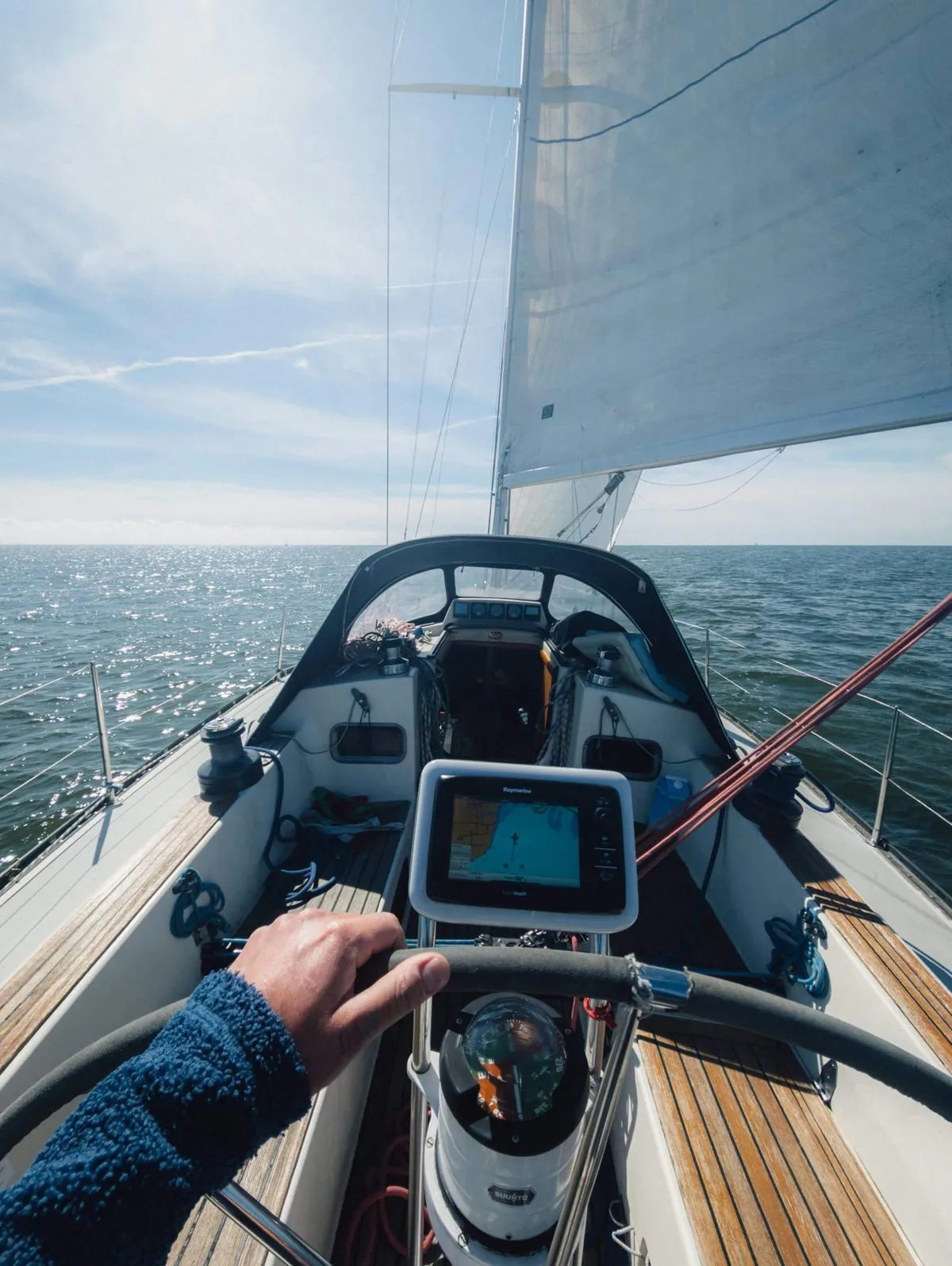
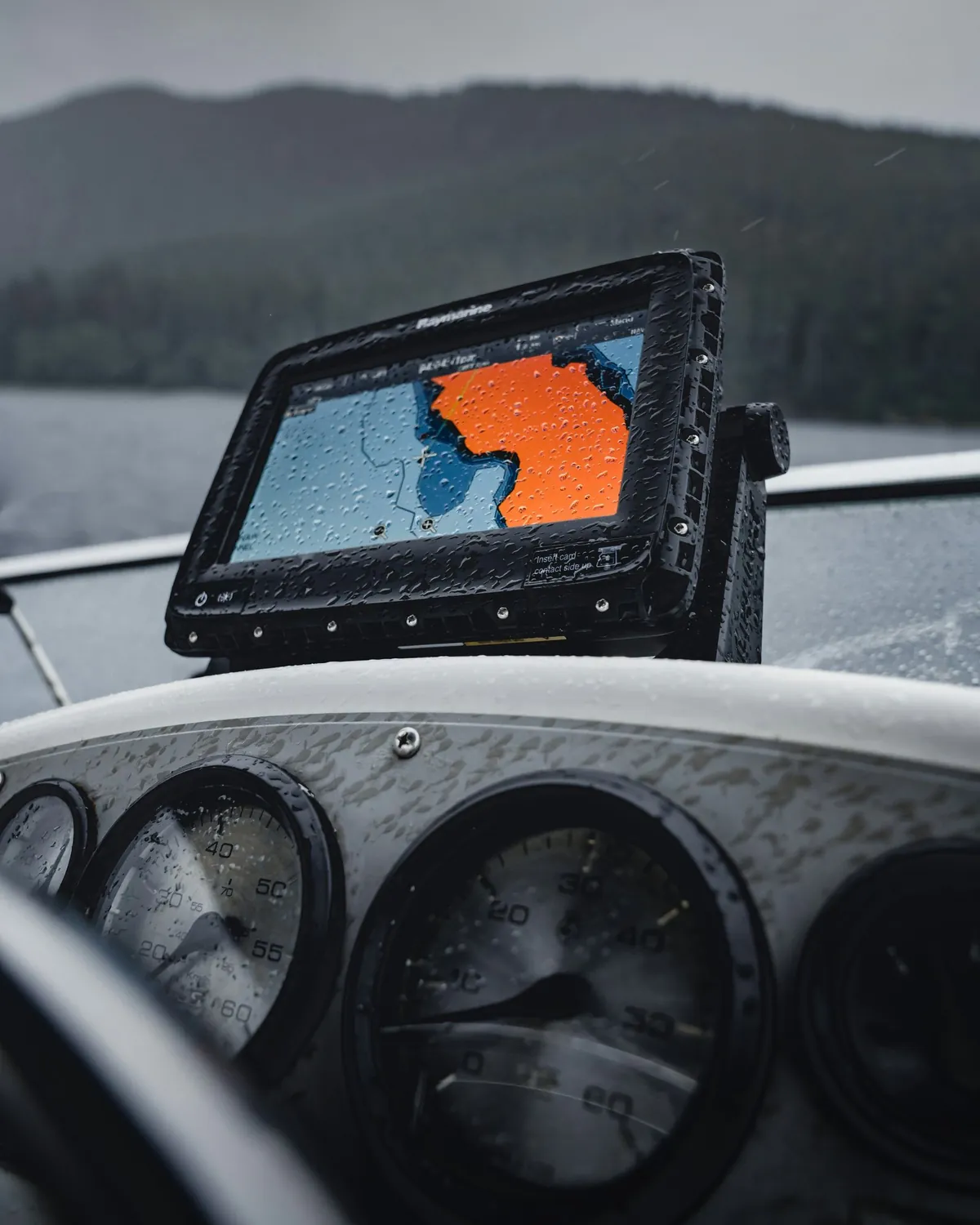
Raymarine, Garmin and Furuno went another way. Their plotter Wi‑Fi handles screen mirroring, chart updates or an internet connection, but it carries no open instrument feed. On those brands CapMate needs a separate Wi‑Fi gateway on the NMEA 2000 or NMEA 0183 network.
Which models have GoFree
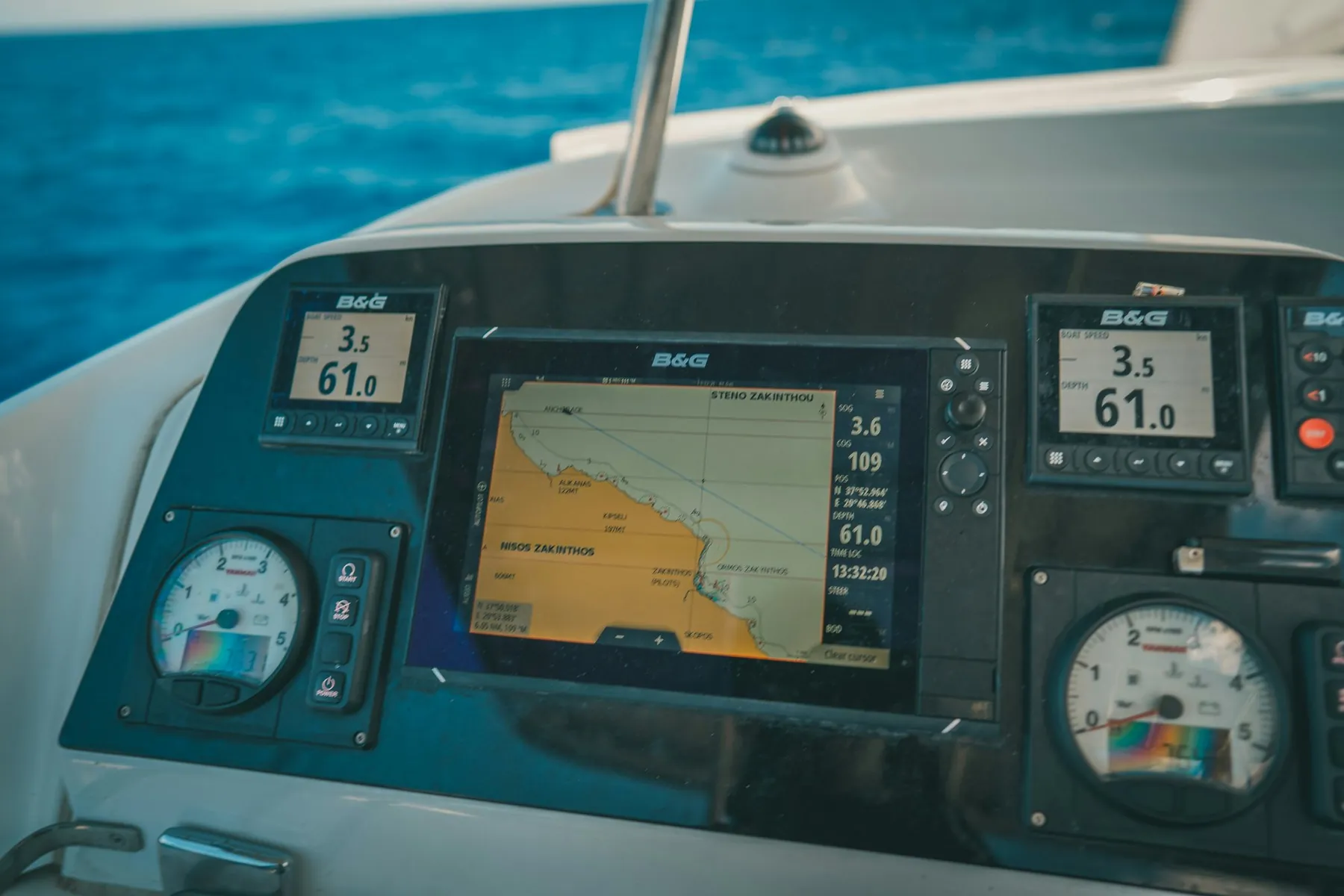
- B&G: Zeus3, Zeus3S, Vulcan, and Zeus2 or Zeus Touch with the add-on GoFree WIFI-1 module
- Simrad: NSS evo3, NSS evo3S, NSO evo3, and NSS evo2 with GoFree WIFI-1
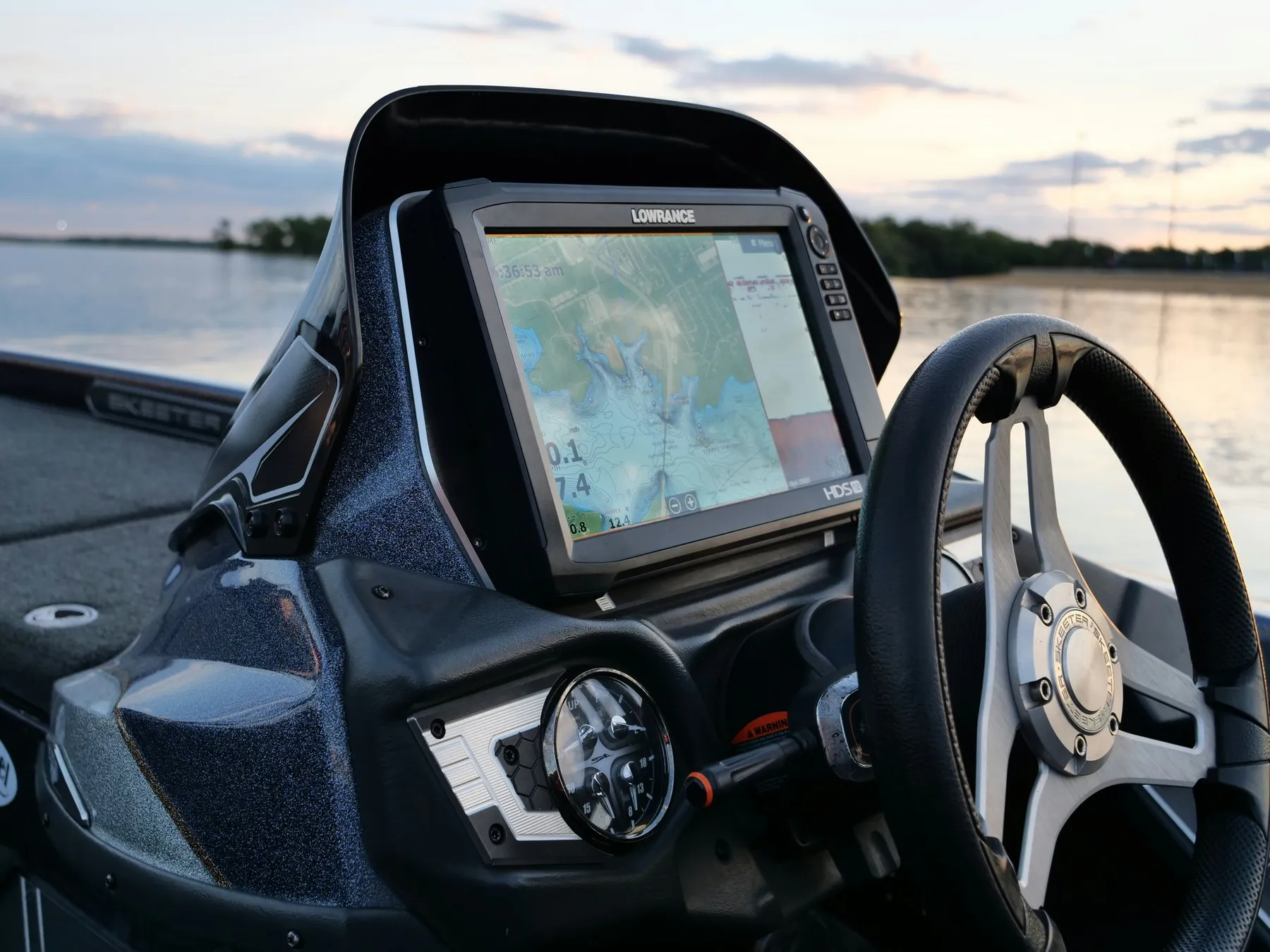
- Lowrance: HDS Live, HDS Carbon
Connecting it
- On the plotter, switch on Wi‑Fi (Zeus3: Settings → Network → Wireless).
- Join your phone to that network.
- Switch on instrument reception in CapMate.
- Depth, wind, speed, heading and AIS targets arrive. There is nothing to type.
CapMate tries the GoFree factory address first: 192.168.76.1, TCP port 10110. If the plotter's network has been reconfigured, CapMate scans for it once your phone is on the same Wi‑Fi.
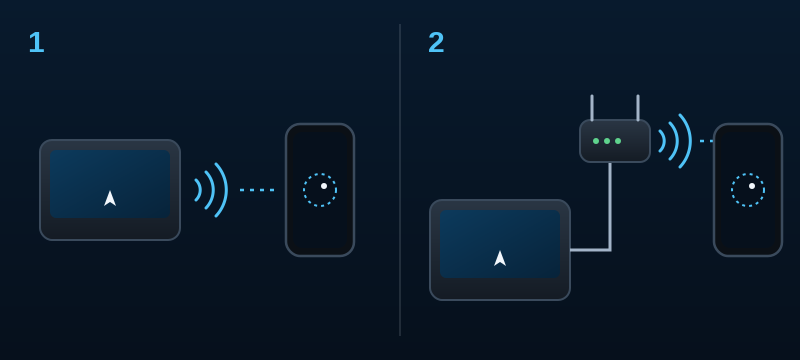
What reaches your watch
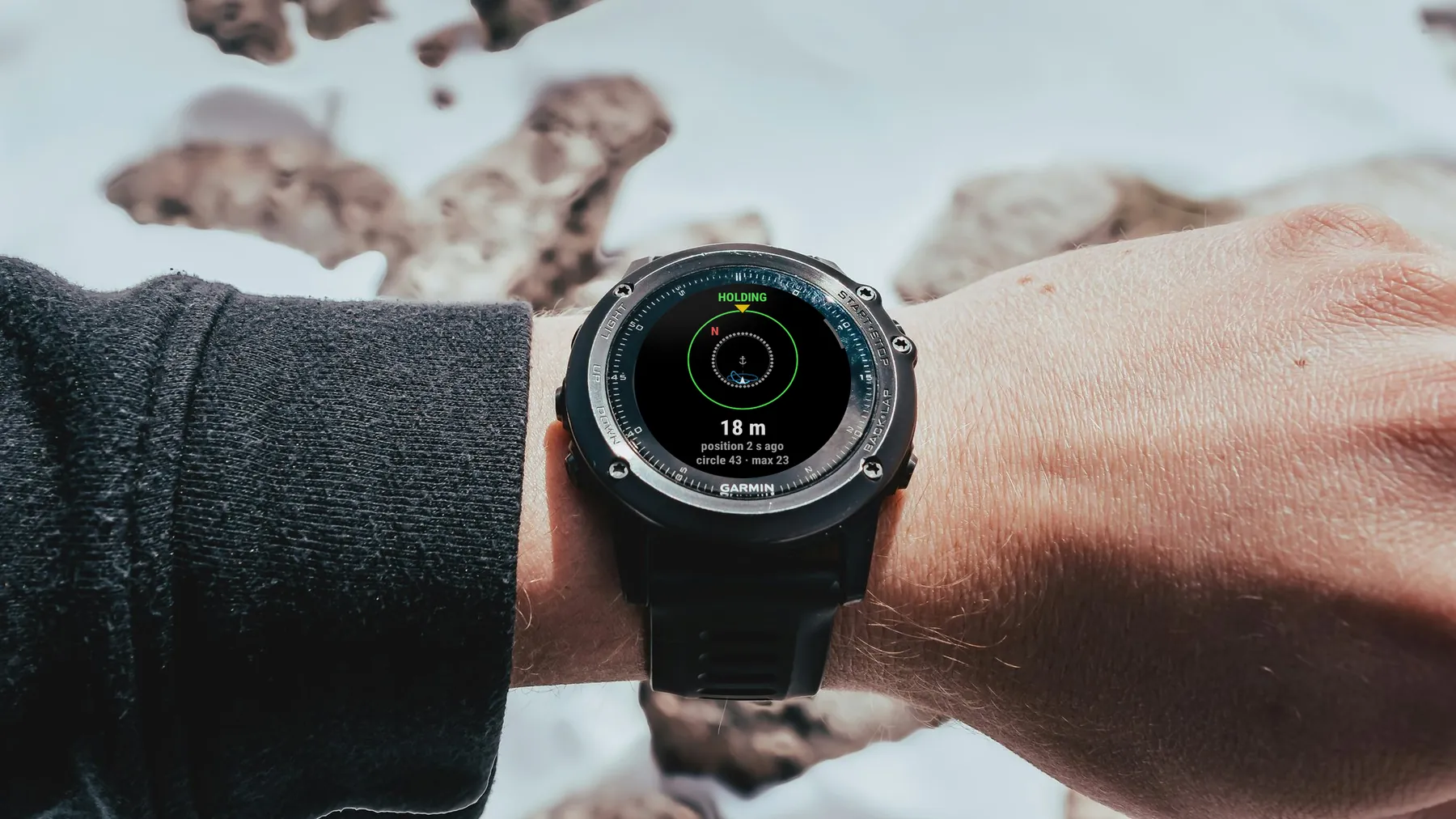
Depth with a shallow-water alarm, apparent and true wind, boat speed, heading, position and nearby AIS vessels. The set is the same as with any other direct or gateway connection.
Phones and Wear OS watches join the plotter's Wi‑Fi themselves. Apple Watch and Garmin watches get the data from the phone running CapMate, so the phone must be aboard and on that network.
Verified on the water only on a B&G Zeus3. Simrad and Lowrance use the same GoFree system and address, so we expect the same result, but we haven't run it on those plotters.
If nothing shows up
- Check that GoFree Wi‑Fi is switched on in the plotter's network settings. Some installs ship with it off.
- Check that your phone is on the plotter's network, not the marina Wi‑Fi.
- Older Zeus2 and Zeus Touch units need the add-on GoFree WIFI-1 module. Without it there is no Wi‑Fi to join.
Questions
Does a B&G Zeus3 work with CapMate out of the box?
Yes. Switch on the plotter's Wi‑Fi, join it with your phone, and CapMate finds the instrument feed without a gateway.
Do I need a gateway for Simrad or Lowrance?
No, if your model has GoFree Wi‑Fi. It is the same system as on B&G and streams the same way.
What's the default address?
192.168.76.1, TCP port 10110, the GoFree factory setting. CapMate tries it automatically.
Has this been tested on a real boat?
On a B&G Zeus3, yes. Simrad and Lowrance use the same GoFree system, but we haven't tested them ourselves.
Sources
- Panbo — Navico GoFree, WiFi1 & the 0183 Link: GoFree streams NMEA 0183 over TCP to any third-party app without Navico's permission — https://panbo.com/navico-gofree-wifi1-the-0183-link/ (2026-11-03)