On this page
What a gateway is for
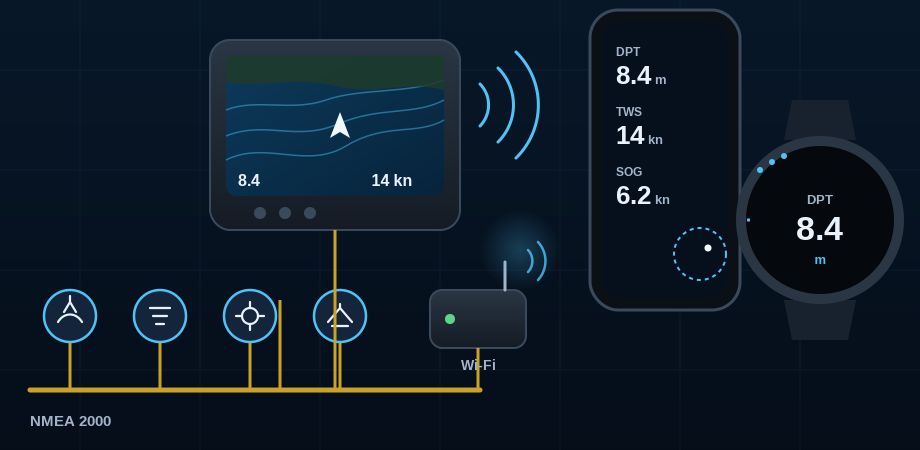
Plotter brands split in two on their own Wi‑Fi. B&G, Simrad and Lowrance publish an open NMEA 0183 feed over it, so they need no gateway (see our B&G/Simrad/Lowrance page). Raymarine, Garmin and Furuno use their Wi‑Fi for screen mirroring, chart downloads or an internet connection, not for instrument data (see our Raymarine page). A Wi‑Fi gateway sits on the boat's NMEA 2000 backbone or NMEA 0183 wiring, independent of any plotter, and republishes the traffic over its own Wi‑Fi network. It works the same with every plotter brand, because it doesn't talk to the plotter at all, only to the wiring behind it.
Gateways we've checked, with the addresses
From the CapMate device catalogue, last checked 20 October 2026. These are factory defaults; a gateway someone has reconfigured will use whatever address it was set to.
| Gateway | Network | Models | Ports | Default address |
|---|---|---|---|---|
| Yacht Devices | NMEA 2000 | YDWG-02, YDNR-02, YDWN-02, YDWR-02, YDEN-02 | TCP 1456 | 192.168.4.1 |
| Actisense | NMEA 2000 | W2K-1, W2K-2, WGX-1, PRO-NDC-1E2K | TCP/UDP 60001–60003 | 192.168.4.1 |
| Digital Yacht | NMEA 2000 | NavLink2, WLN10, WLN10 Smart, WLN30, iKommunicate, LANLink | TCP/UDP 2000 | 192.168.1.1, 169.254.1.1 |
| Quark-Elec | NMEA 2000 | QK-A032, QK-A034, QK-A035, QK-A036, QK-A026, QK-A027 | TCP 2000 | 192.168.1.100 |
| Hat Labs SH-wg | NMEA 2000 | SH-wg | TCP 2222, UDP 2000 | — |
| ShipModul MiniPlex | NMEA 0183 / 2000 | MiniPlex-3Wi, MiniPlex-3Wi-N2K, MiniPlex-3E, MiniPlex-3E-N2K | TCP/UDP 10110 | 10.0.0.1 |
| Vela-Navega | NMEA 0183 / 2000 | NMEA2WiFi, NMEA3WiFi | TCP 10110, UDP 2000 | 192.168.4.1 |
| Brookhouse iMux | NMEA 0183 / 2000 | iMux, iMux MK3 | TCP 2000, 10110 | 169.254.1.1, 192.168.1.99 |
CapMate reads whatever format the gateway sends: RAW, N2K ASCII, $PCDIN, $MXPGN, !PDGY or Actisense BST. The one exception is the binary Actisense BST-D0 format. In that case CapMate names the setting to change instead of failing silently.
Signal K, without a separate gateway
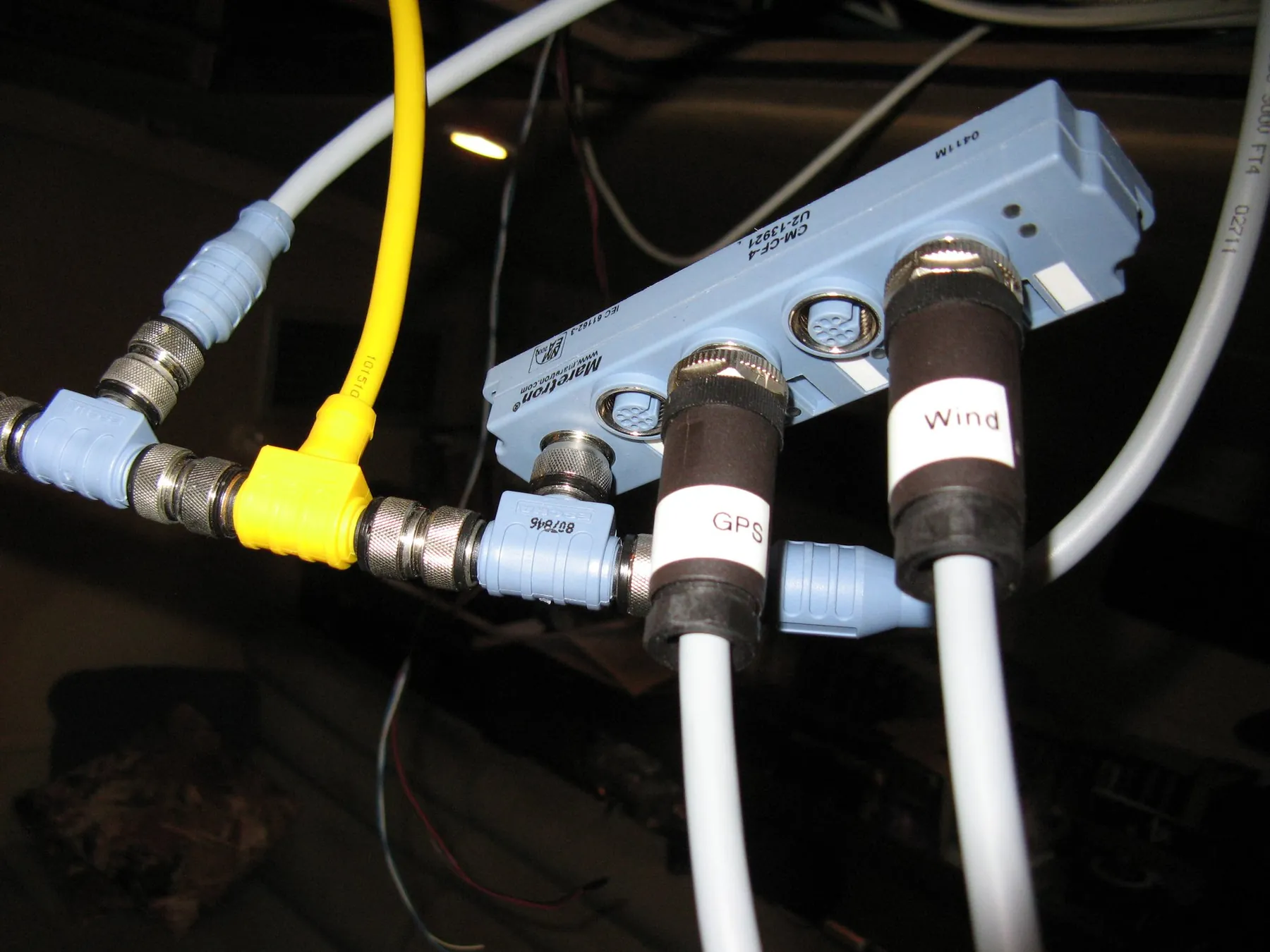
If the boat already runs OpenPlotter or any Signal K server, that is the gateway. CapMate connects to it over HTTP on port 3000 or 80 and reads the WebSocket stream, with no extra hardware. This also covers home-built NMEA 2000 bridges on an ESP32 or Raspberry Pi that speak Signal K, common on DIY-wired boats.
Connecting a gateway
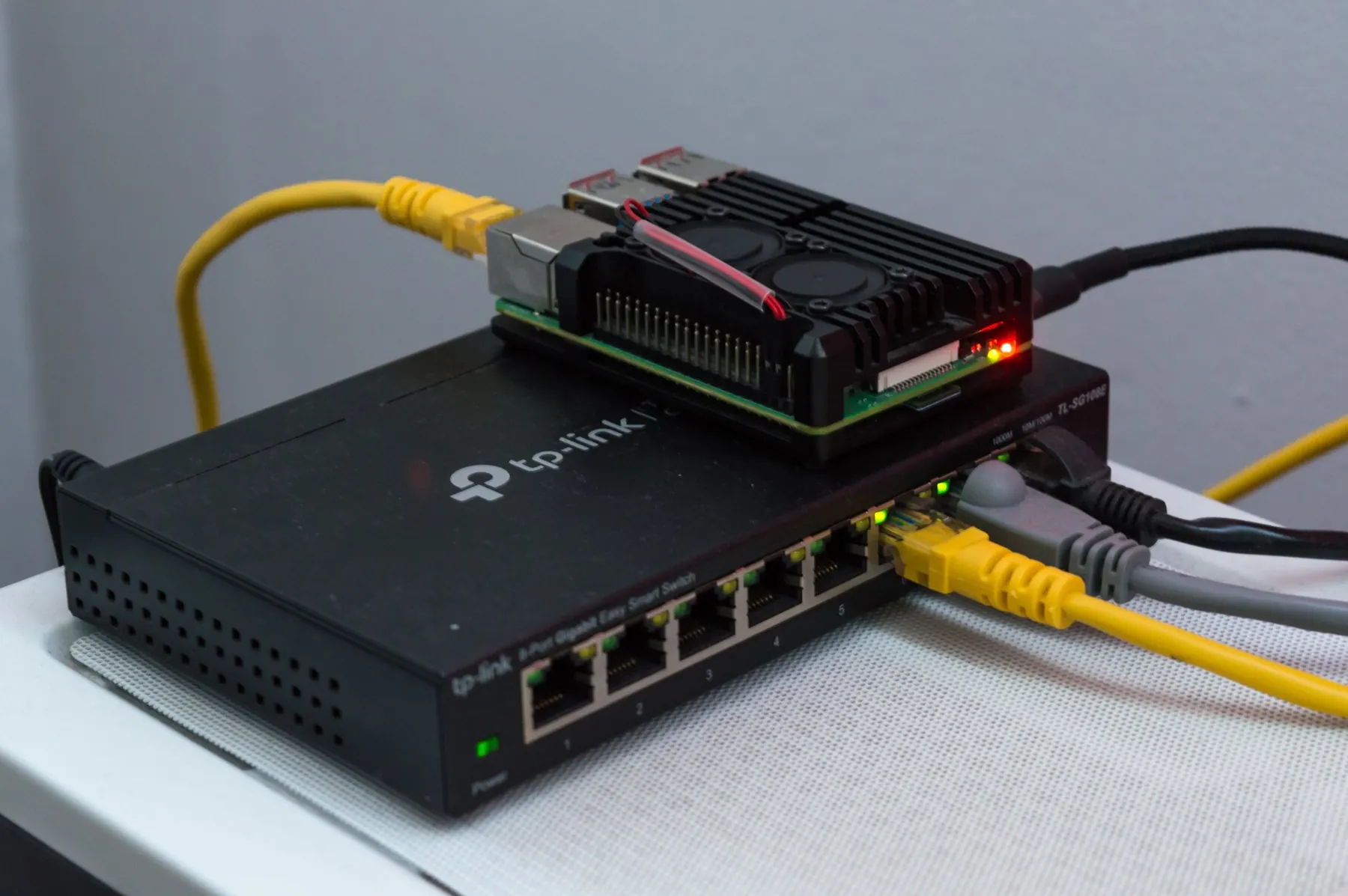
- Fit the gateway to the NMEA 2000 backbone with a T-piece and a drop cable (or to the NMEA 0183 bus for the older multiplexers). Check that the backbone still has a terminator at each end.
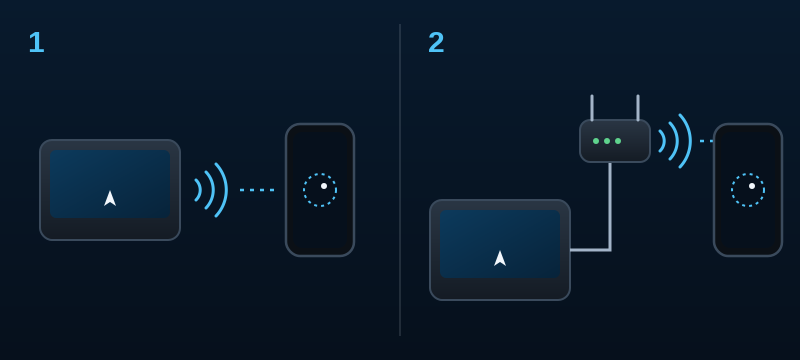
- Join your phone to the gateway's Wi‑Fi network, or put the gateway on the boat's own router if it has one.
- Switch on instrument reception in CapMate.
- Values appear within a few seconds.
CapMate searches for the source itself. It tries the address it found last time, then the network router and the known gateway addresses on their usual ports, while listening for UDP broadcasts. If that finds nothing, it scans the local network and tries the gateway ports on whatever responds. It then remembers the address, so the next session connects instantly.
What reaches your watch
Depth with a shallow-water alarm, apparent and true wind, boat speed, heading, position and nearby AIS vessels, from whichever gateway feeds the data.
Phones and Wear OS watches join the gateway's Wi‑Fi directly. Apple Watch and Garmin watches get the feed from the phone running CapMate, which must stay aboard and on that network for the watch to keep updating.
Picking a gateway if you're starting from scratch
On a NMEA 2000 boat, Yacht Devices and Actisense are the two most commonly fitted, and both are in our catalogue with full steps. On NMEA 0183 or SeaTalk1 wiring, a ShipModul MiniPlex or a Digital Yacht unit does the same job. You don't need a new plotter for any of this.
Questions
Does a NMEA 2000 Wi‑Fi gateway work with any chartplotter brand?
Yes. It sits on the instrument wiring, not on the plotter, so it works the same whether the plotter is a Garmin, a Raymarine, a Furuno or anything else on that network.
What's the default IP address for a Yacht Devices YDWG-02?
192.168.4.1, TCP port 1456, in the gateway's own access-point mode.
Do I still need a gateway if I have a Signal K server?
No. CapMate reads Signal K directly over HTTP on port 3000 or 80. The server already does the gateway's job.
Which format does CapMate not support?
The binary Actisense BST-D0 format. CapMate tells you to change the gateway's output setting instead of failing without explanation.
Will my Apple Watch see the data from a gateway?
Yes, through your phone. Apple Watch and Garmin watches don't join the gateway's Wi‑Fi; they get the feed relayed by the phone running CapMate.
Sources
- Yacht Devices YDWG-02 user manual — factory address 192.168.4.1, TCP port 1456 — https://www.yachtd.com/downloads/ydwg02.pdf (2026-11-03)
- Actisense W2K-1 user manual — TCP/UDP ports 60001–60003 on 192.168.4.1 — https://actisense.com/wp-content/uploads/2020/01/W2K-1-User-Manual-issue-2.19.pdf (2026-11-03)