On this page
Why the Axiom's Wi‑Fi isn't enough
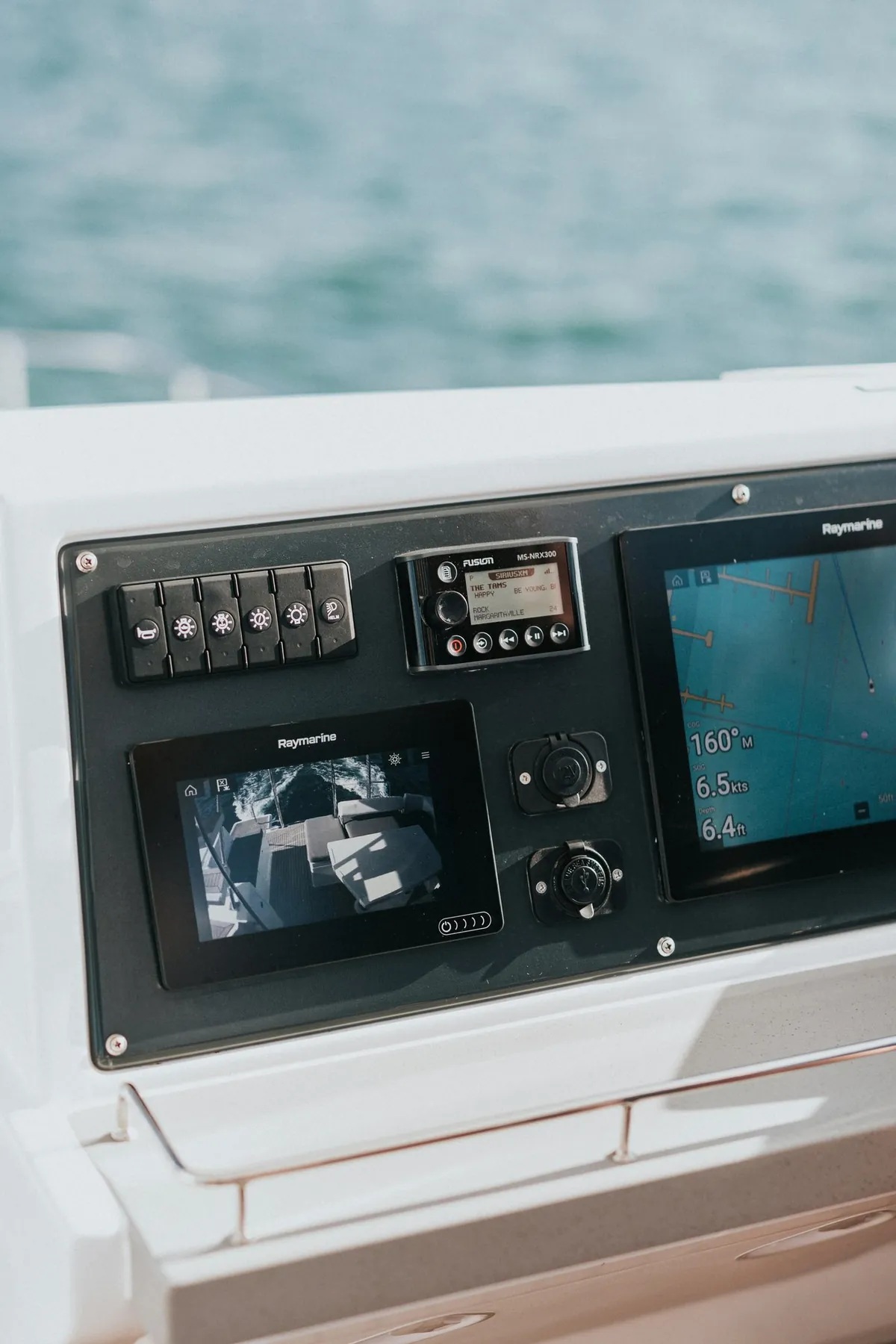
The Axiom has Wi‑Fi, and it's natural to assume that's the way in. It isn't. Raymarine uses that Wi‑Fi to join the plotter to an internet hotspot, to mirror the screen to the Raymarine app or a Miracast display, and to talk to a Quantum radar. Navigation data doesn't travel over it in either direction. The same goes for Axiom+, Axiom 2, Axiom Pro, Element, eS and gS.
That's a design choice, not a fault, and Garmin and Furuno made the same one. The plotter brands that do publish NMEA 0183 over their own Wi‑Fi are B&G, Simrad and Lowrance.
Raymarine's support position is that third‑party Wi‑Fi hardware on the network is unsupported. The gateways below work, but Raymarine won't help you if one of them doesn't.
What a gateway does
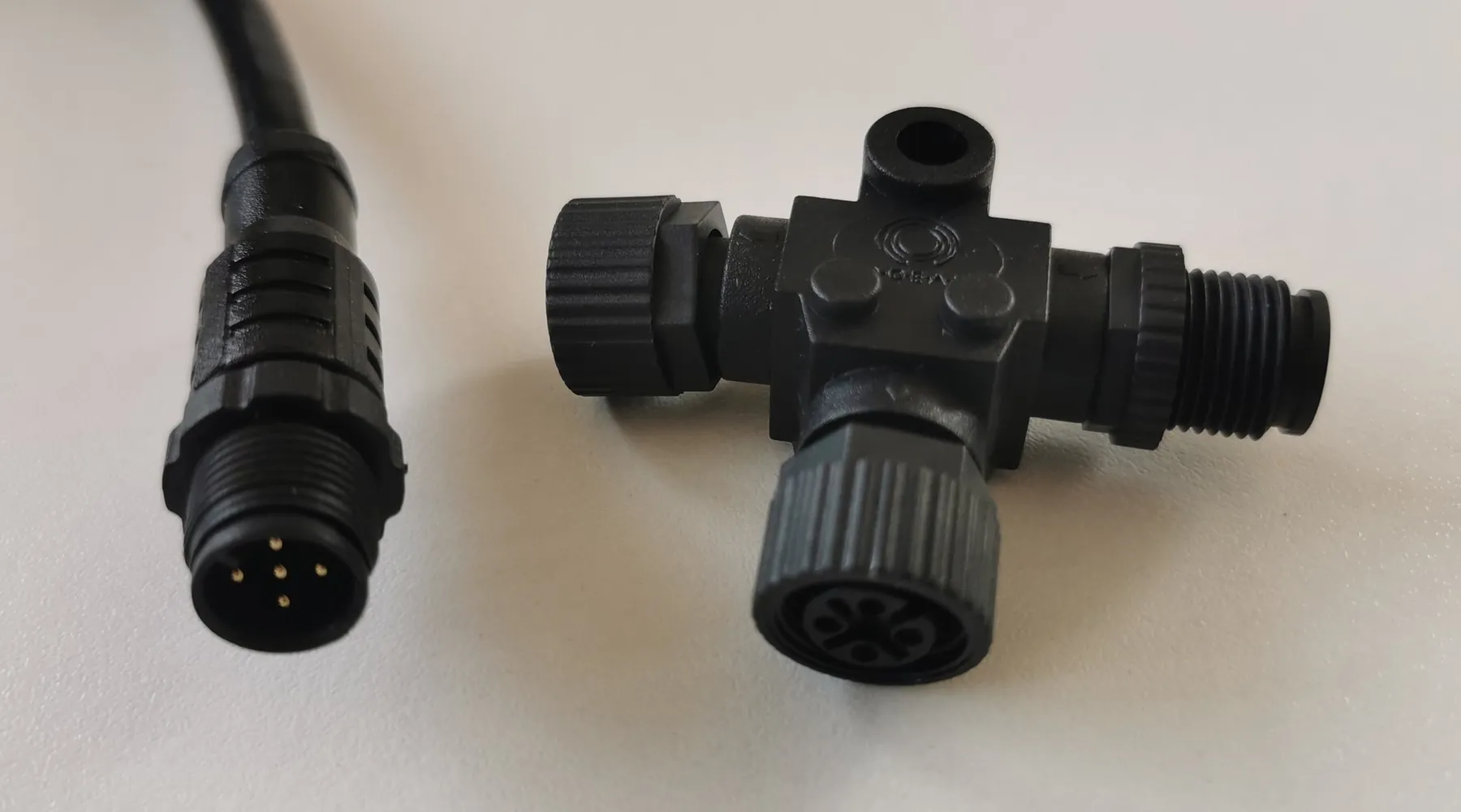
Your instruments already talk to each other over a NMEA 2000 backbone: depth from the transducer, wind from the masthead, position and heading, AIS from the transceiver. A Wi‑Fi gateway connects to that backbone through a drop cable and republishes the traffic over Wi‑Fi, where CapMate can read it. It takes nothing away from the Axiom and needs no permission from it.
On an older boat with NMEA 0183 or SeaTalk1 instruments (ST40, ST60 and that generation), a multiplexer with Wi‑Fi does the same job on that wiring.
Gateways that work, with the addresses
From the CapMate device catalogue, last checked 20 October 2026. Addresses and ports are factory defaults. If someone has reconfigured your gateway, use its current settings.
| Gateway | Models | Ports | Default address |
|---|---|---|---|
| Yacht Devices | YDWG-02, YDNR-02, YDWN-02, YDWR-02, YDEN-02 | TCP 1456 | 192.168.4.1 |
| Actisense | W2K-1, W2K-2, WGX-1, PRO-NDC-1E2K | TCP/UDP 60001–60003 | 192.168.4.1 |
| Digital Yacht | NavLink2, WLN10, WLN10 Smart, WLN30, iKommunicate, LANLink | TCP/UDP 2000 | 192.168.1.1, 169.254.1.1 |
| Quark-Elec | QK-A032, QK-A034, QK-A035, QK-A036, QK-A026, QK-A027 | TCP 2000 | 192.168.1.100 |
| Hat Labs | SH-wg | TCP 2222, UDP 2000 | — |
For older NMEA 0183 and SeaTalk1 wiring, ShipModul MiniPlex (TCP/UDP 10110, 10.0.0.1), Vela-Navega and Brookhouse iMux also work. If the boat runs OpenPlotter or any Signal K server, CapMate reads that directly on port 3000 or 80, with no gateway.
CapMate reads NMEA 2000 from a gateway in whatever format it sends: RAW, N2K ASCII, $PCDIN, $MXPGN, !PDGY or Actisense BST. The one exception is the binary Actisense BST-D0 format. In that case CapMate tells you which setting to change.
Connecting it
- Fit the gateway to the NMEA 2000 backbone with a T-piece and a drop cable, like any other device. Check that the backbone still has a terminator at each end.
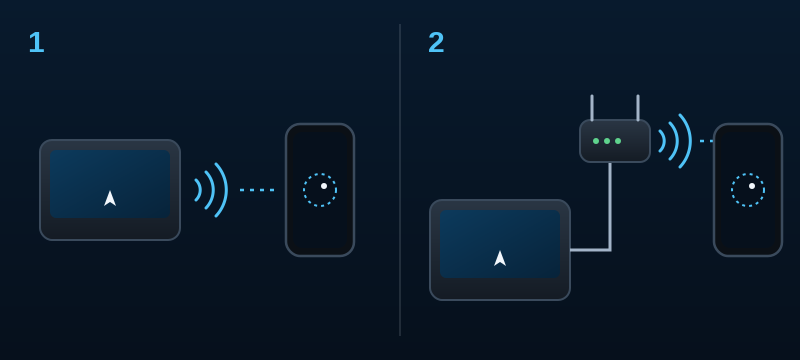
- Join your phone to the gateway's Wi‑Fi, or put the gateway on the boat's own network if you have one.
- Switch on instrument reception in CapMate.
- Watch the values arrive. There is nothing to type.
Step 3 is the whole setup, because CapMate looks for the source itself. It tries the address where it found instruments last time, then the network router and the known gateway addresses on their ports, while listening for UDP broadcasts. If none of that answers, it scans its own network and tries the gateway ports on every device that replies. This usually takes a couple of seconds, sometimes up to half a minute. CapMate remembers the address, so the next connection is instant.
What reaches your watch
Depth with a shallow-water alarm, apparent and true wind, boat speed, heading, position and nearby AIS vessels.
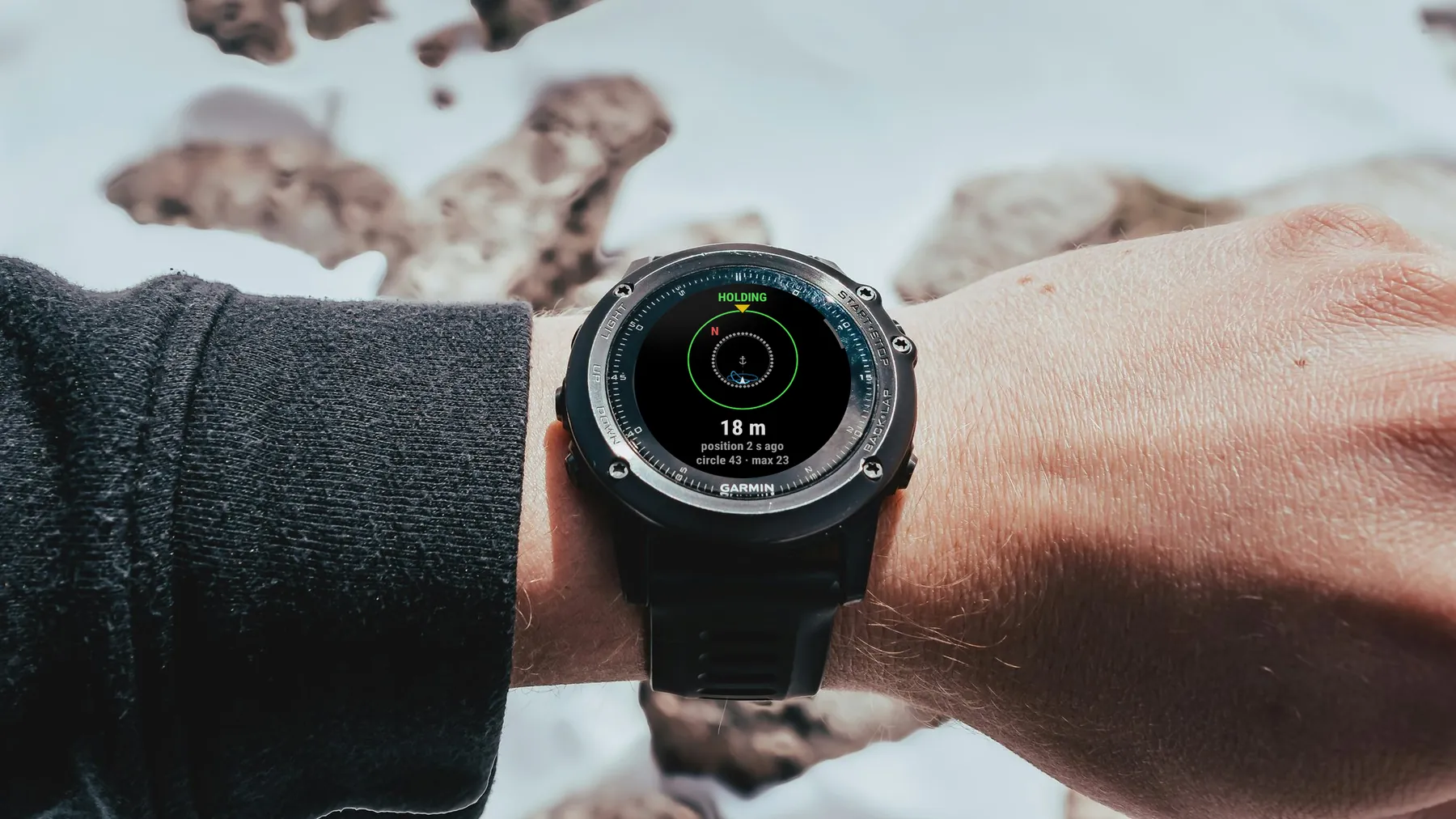
Phones and Wear OS watches join the boat's Wi‑Fi themselves. Apple Watch and Garmin watches don't. They get the instrument data from the phone running CapMate, so the phone must be aboard and on the network. This is a platform limit, not a setting.
Not tested on an Axiom on the water. The Raymarine route follows the gateway makers' documentation, and the gateways are in our catalogue. The B&G Zeus3 is the only plotter we've tested ourselves.
If nothing shows up
- Check that the gateway is publishing over Wi‑Fi and not only logging. On most of them it's one switch in the web interface.
- Make sure your phone is on the gateway's network, not on the marina Wi‑Fi or mobile data.
- If CapMate finds a device but can't read it, read its message. It names the format and the setting to change.
Questions
Can the Axiom send NMEA 0183 over Wi‑Fi?
No. Its Wi‑Fi does internet sharing, screen mirroring and radar.
Can I connect the Axiom to a NMEA 0183 network?
With the right adapter cable, yes, but that only gets data to the Axiom. To get data to a phone you still need something publishing over Wi‑Fi.
Which gateway should I buy?
Any in the table. Starting from scratch on a NMEA 2000 boat, Yacht Devices and Actisense are the most commonly fitted, and both are in our catalogue.
Does the Raymarine app share the data with other apps?
No. It mirrors the plotter screen.
Will my Apple Watch get depth and wind from an Axiom?
Yes, through a gateway and your phone.
Sources
- Panbo — Navico GoFree, WiFi1 & the 0183 Link (how GoFree differs from Raymarine's own Wi‑Fi) — https://panbo.com/navico-gofree-wifi1-the-0183-link/ (2026-11-03)
- Yacht Devices YDWG-02 user manual — factory address 192.168.4.1, TCP port 1456 — https://www.yachtd.com/downloads/ydwg02.pdf (2026-11-03)